
Edit Category Guide
This guide provides detailed instructions for editing categories in BetterCommerce, enabling efficient management of category settings. Follow the steps below to access, search, and update category details.
Prerequisites
- Access to the BetterCommerce PIM platform at pim2.bettercommerce.io.
Step-by-Step Instructions
Step 1: Access the Category Section
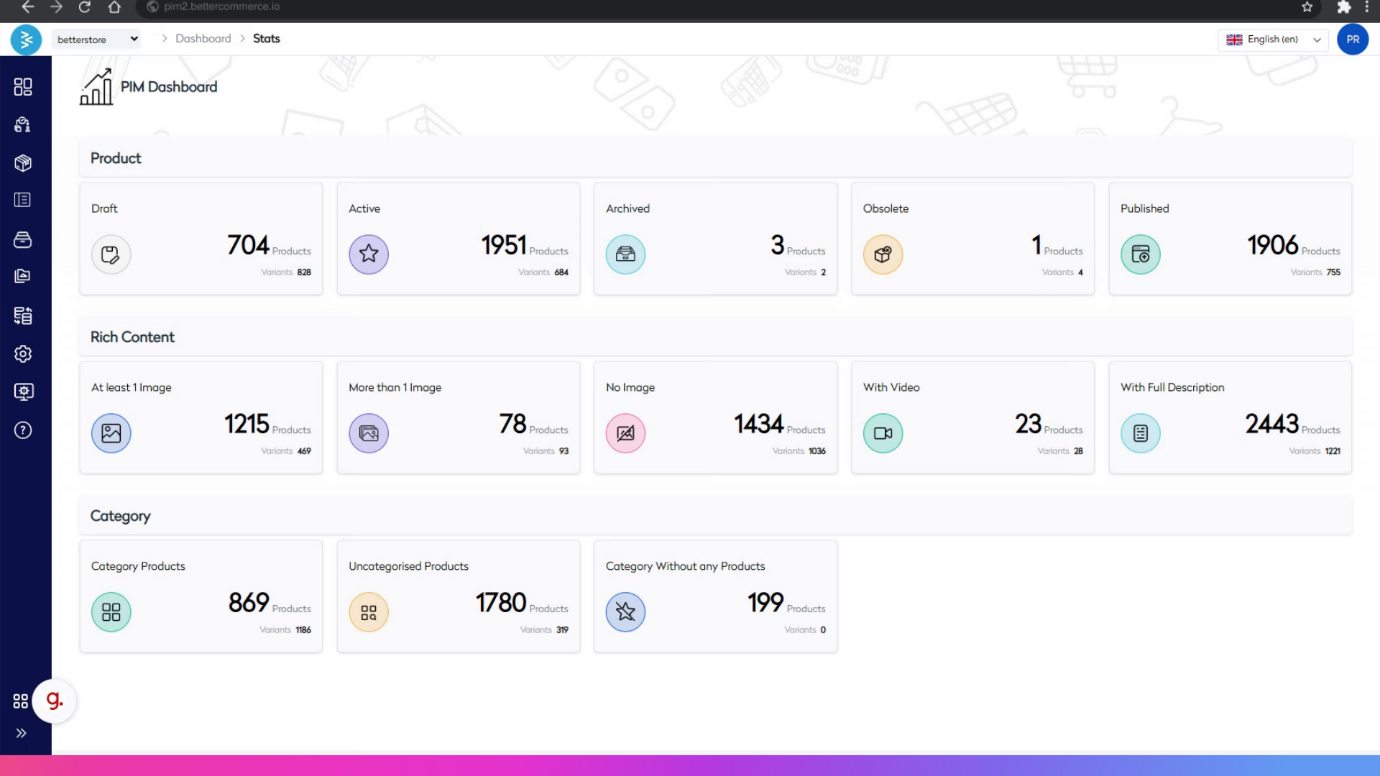
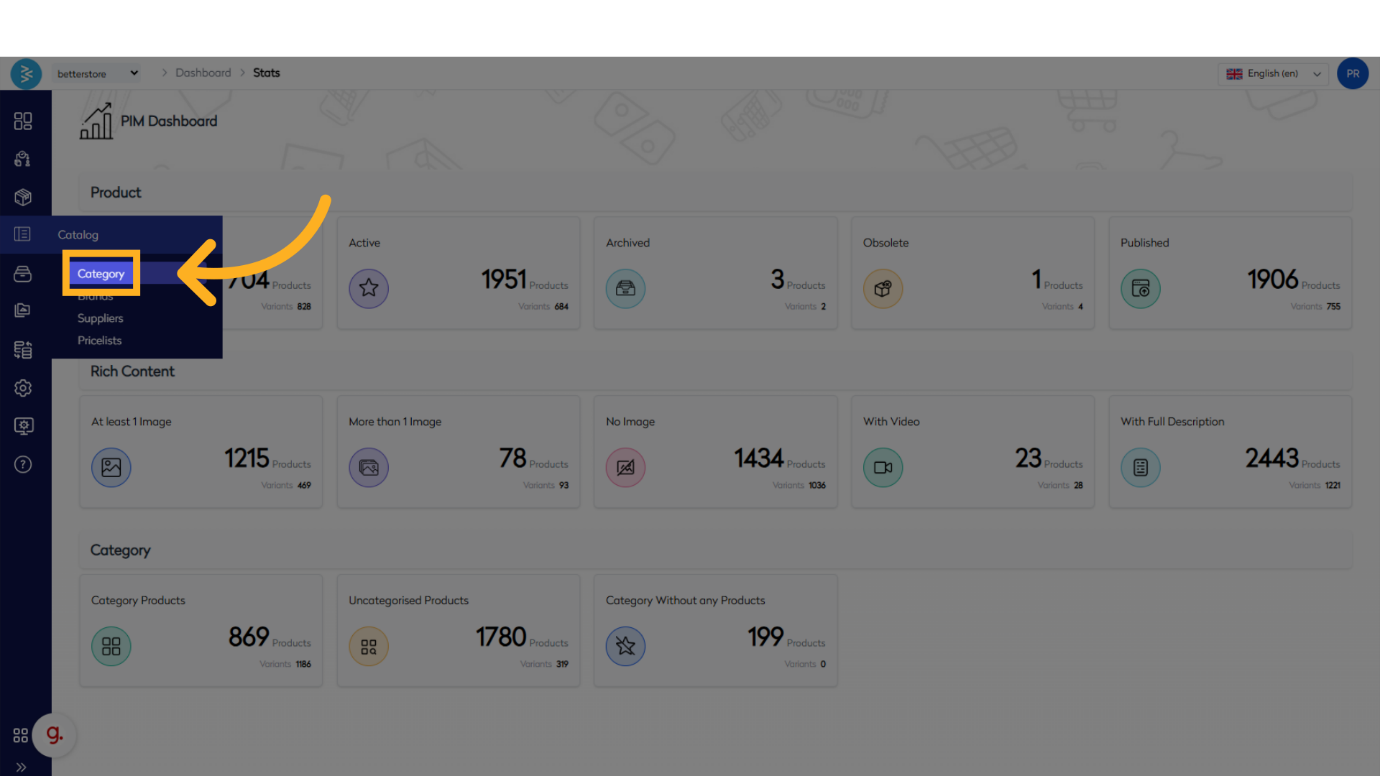
Navigate to the BetterCommerce PIM platform by visiting pim2.bettercommerce.io. Go to the Catalog menu and select the Category option to access the category management area.

Step 2: Search for the Category
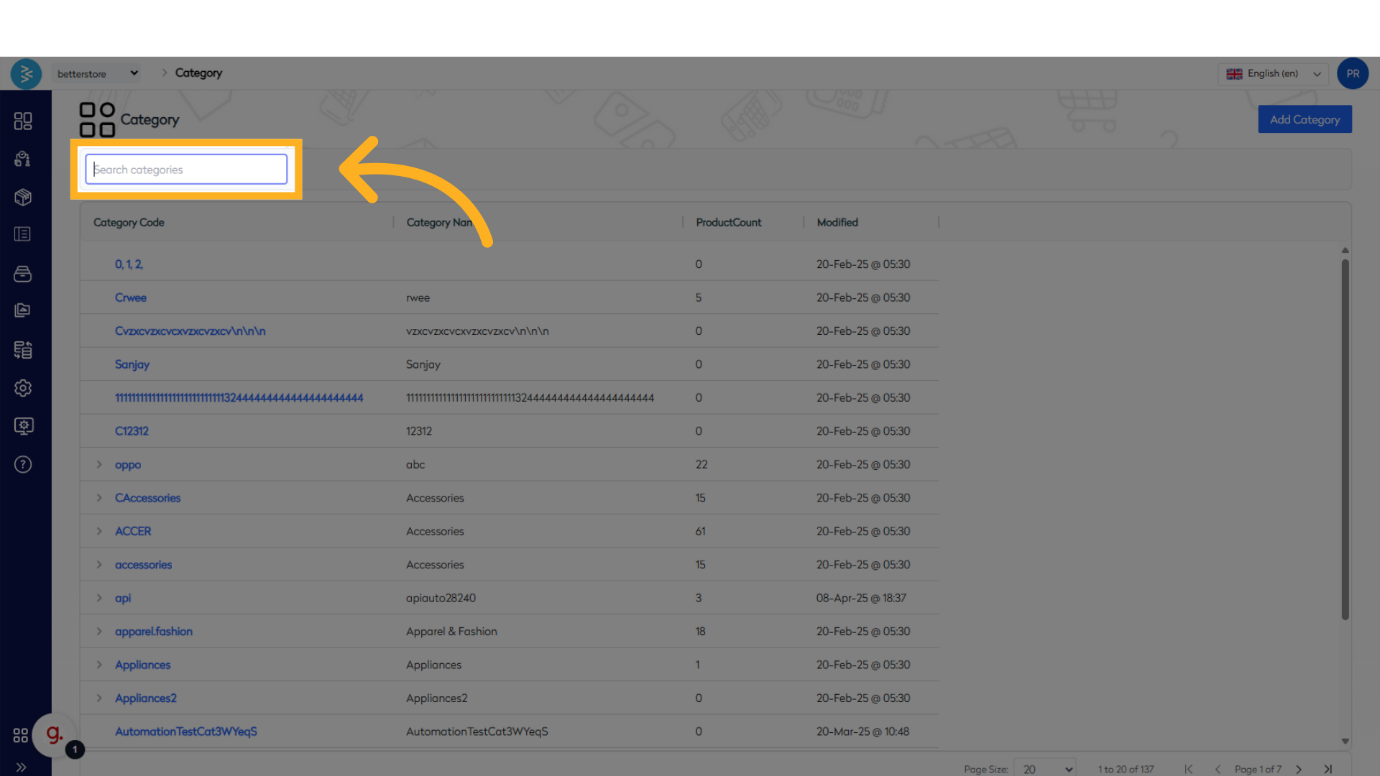
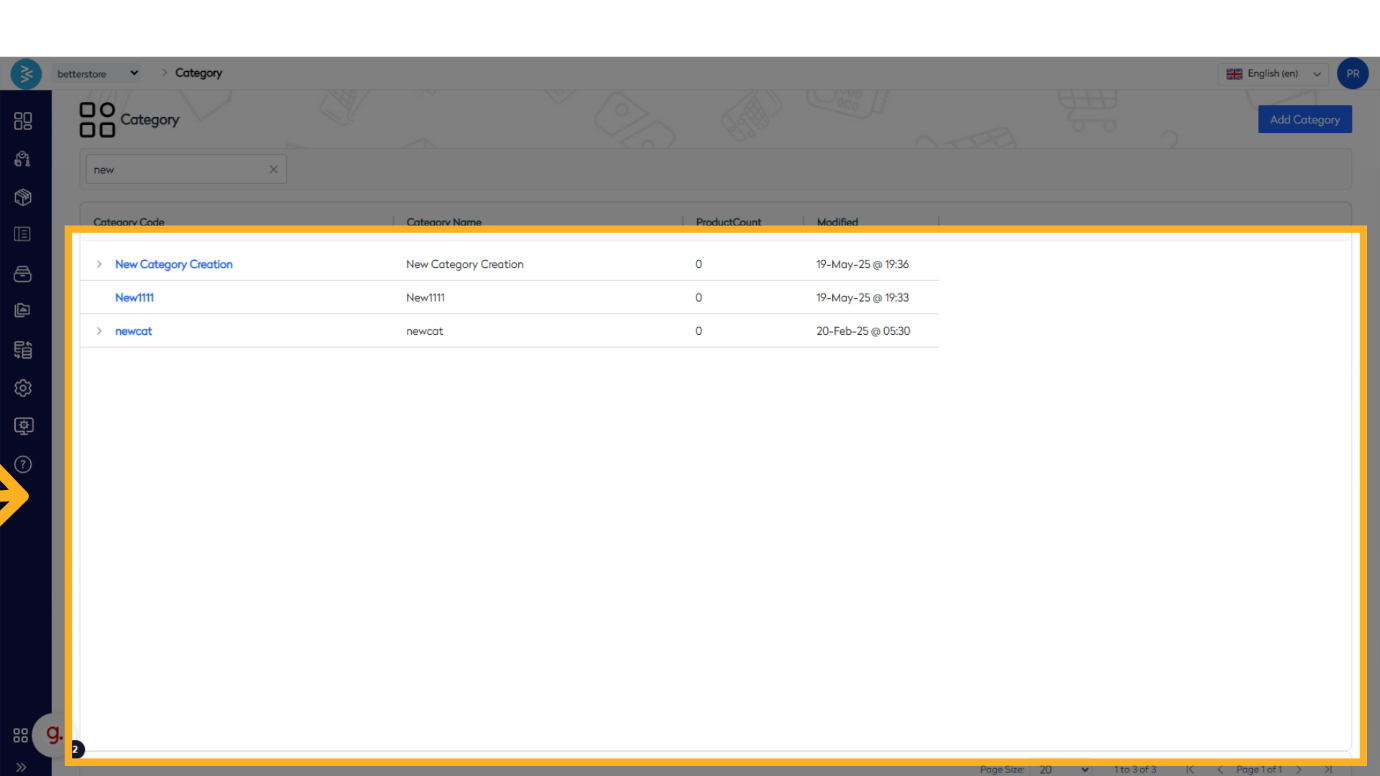
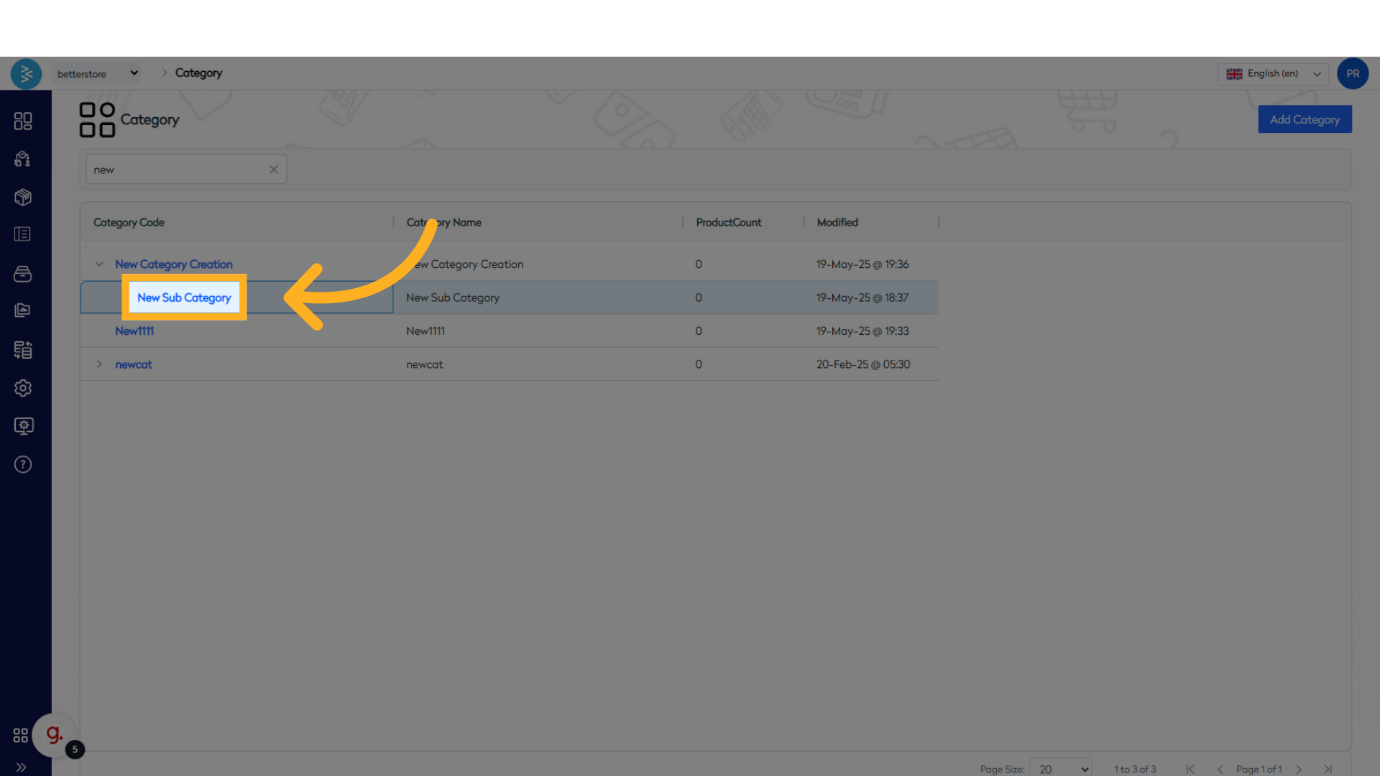
In the category management area, locate the search box and enter keywords to find the category you wish to edit. For example, typing a keyword will display categories containing that term, including any parent or child categories.
Step 3: Access the Category Detail Page
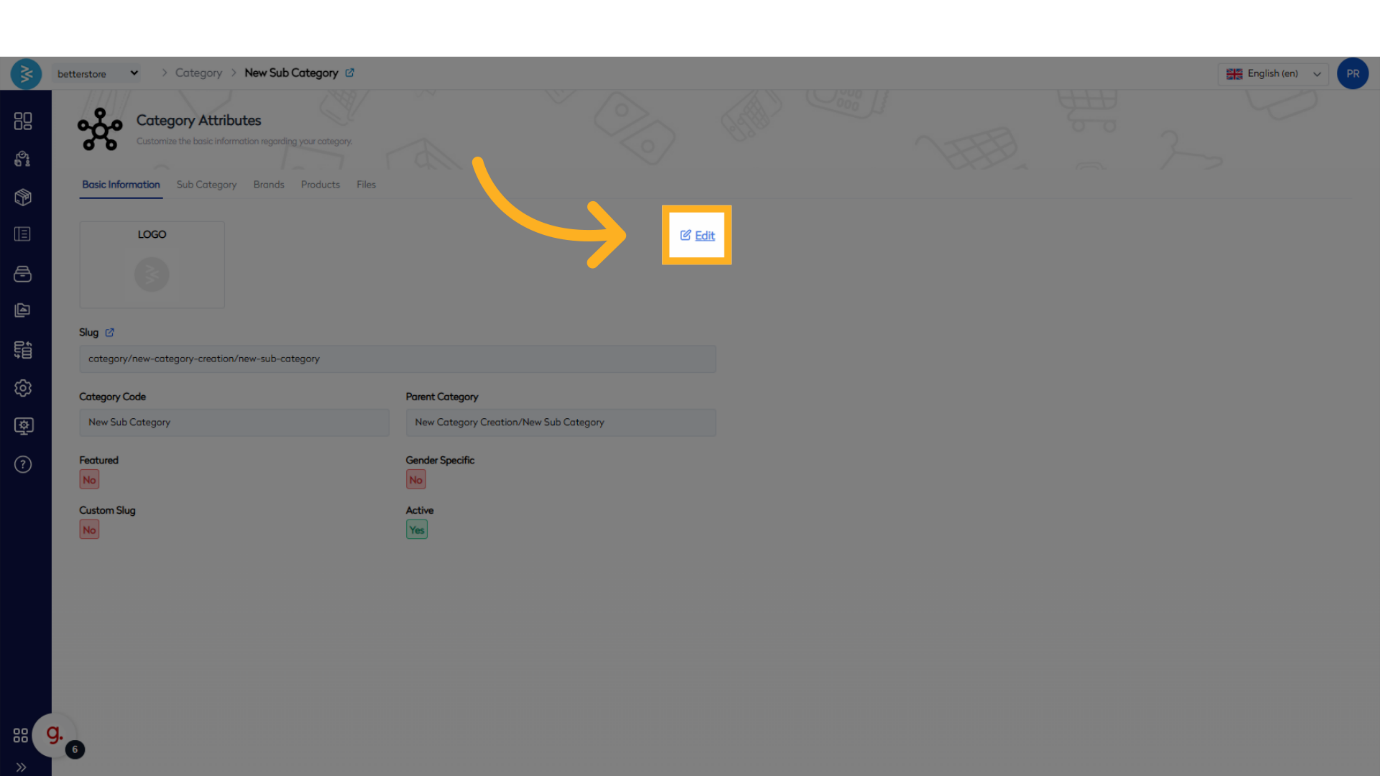
Click on the desired category (e.g., a child category) from the search results. This will open the category detail page, where you can initiate editing by clicking the Edit button to access the editable category screen.
Step 4: Save Changes
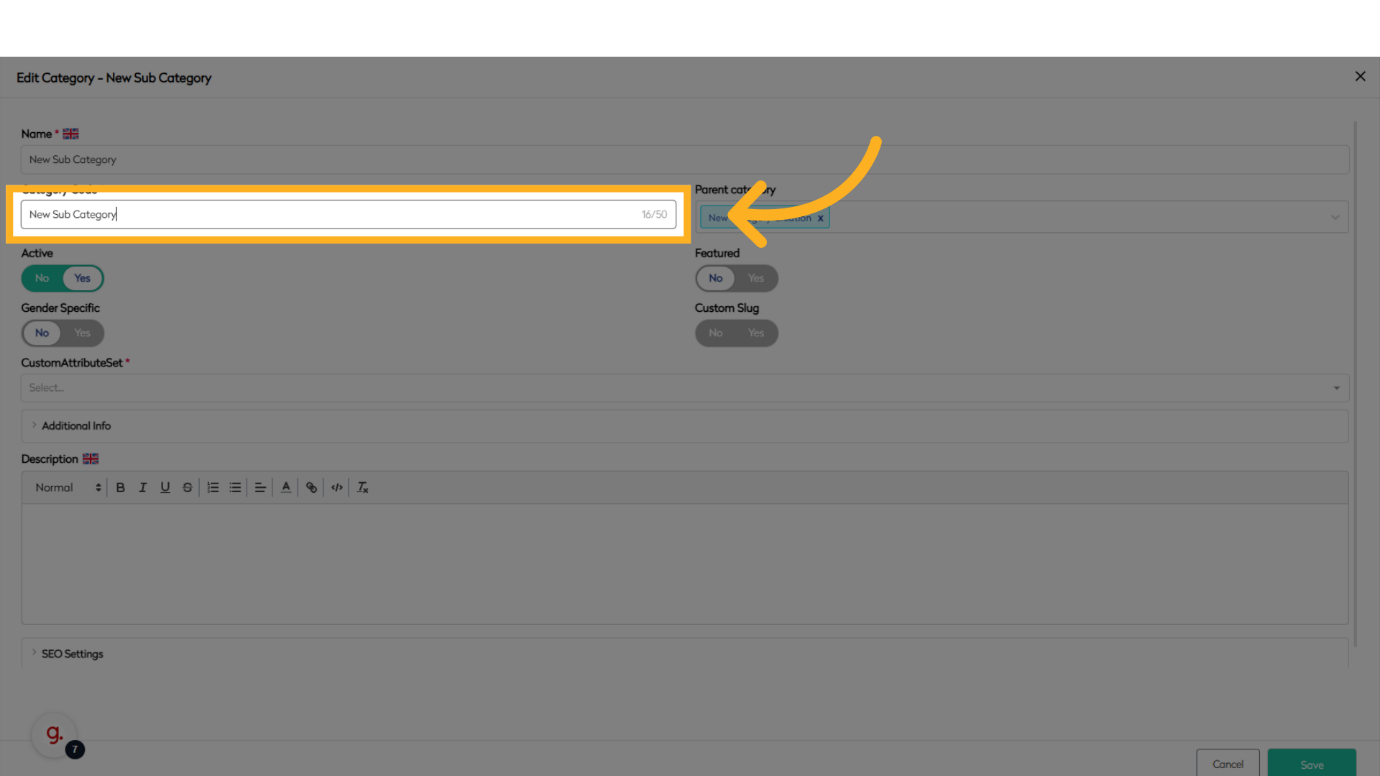
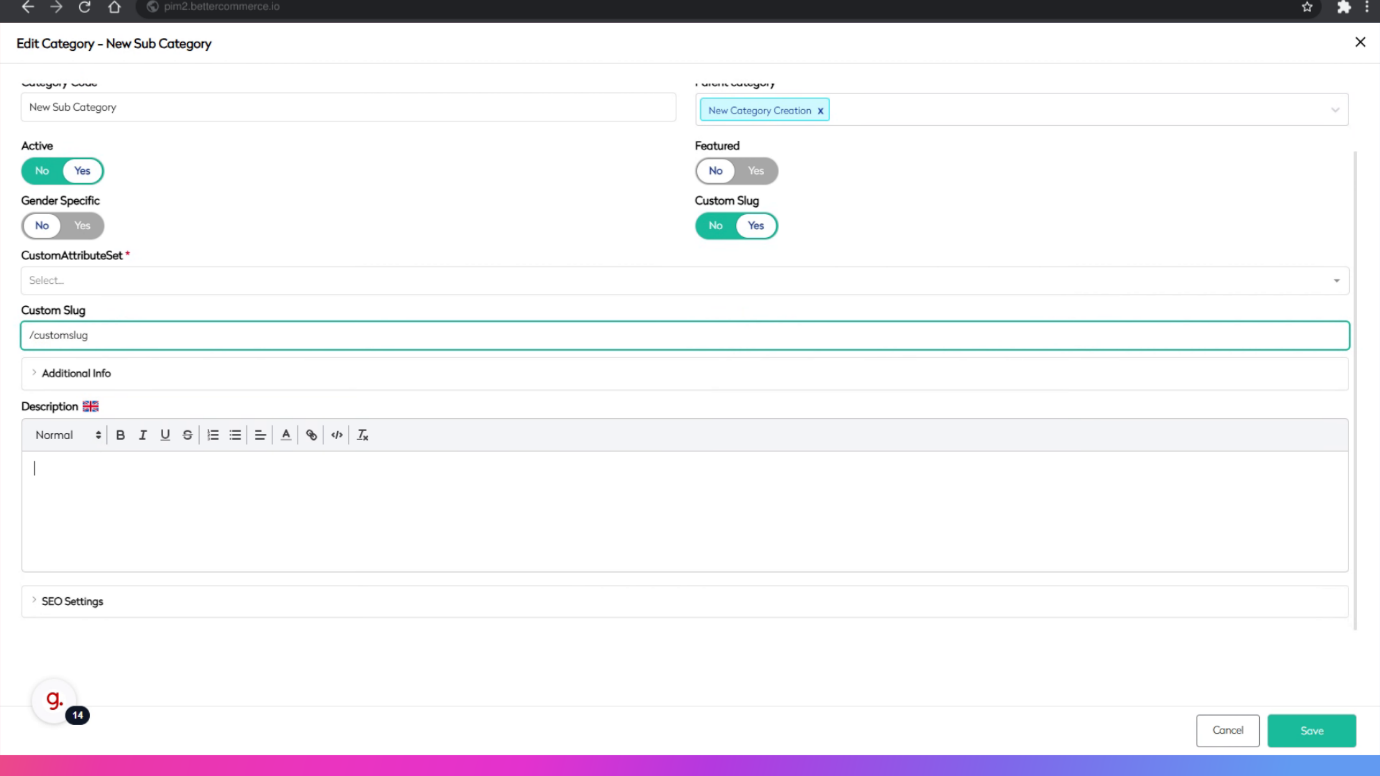
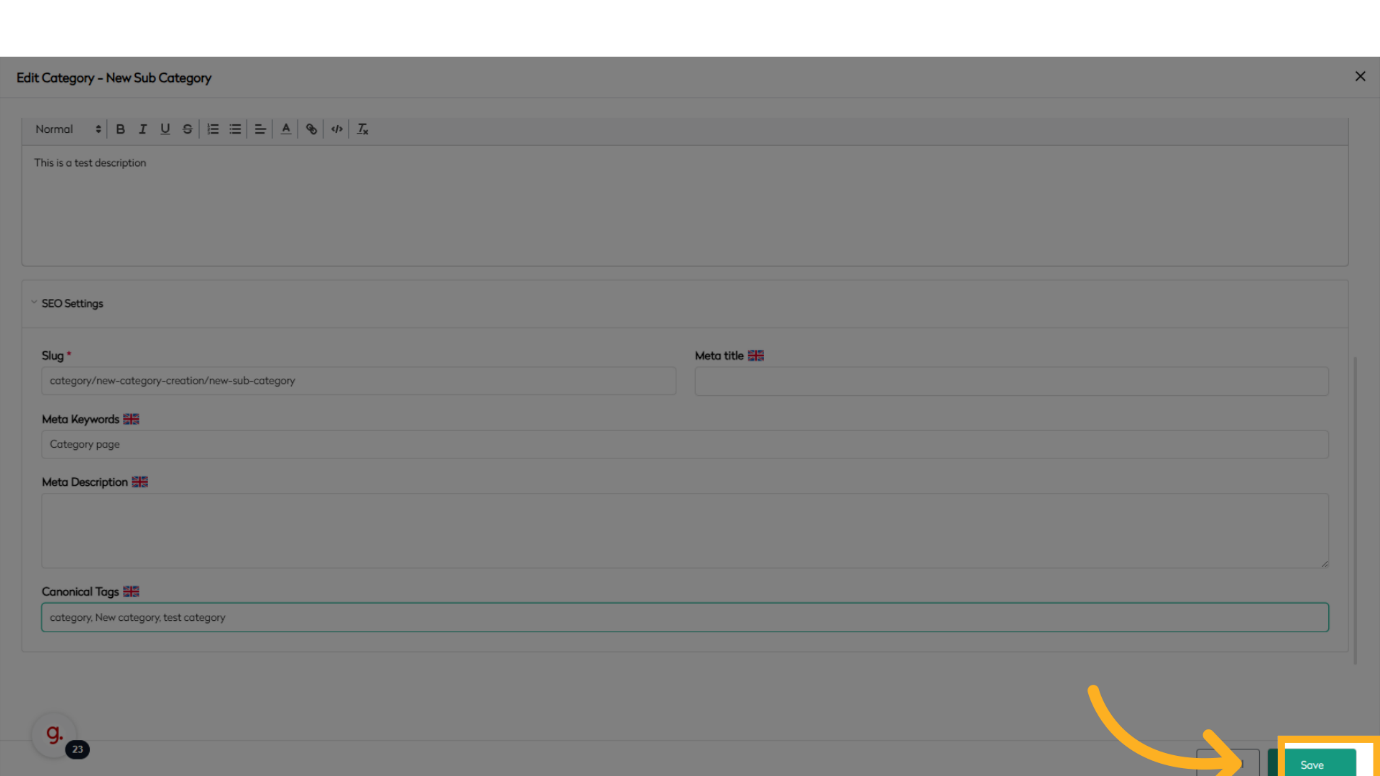
Make the necessary updates to the category details on the editable screen. Once all required changes are complete, click the Save button to store the modifications.
Summary
This guide outlined the process of editing categories in BetterCommerce, covering navigation to the category section, searching for categories, accessing the category detail page, and saving changes. By following these steps, you can efficiently manage and customize category settings.