
Edit Brand Collection
This guide provides detailed instructions for editing a brand collection in BetterCommerce, enabling efficient management and customization of brand-related product collections. Follow the steps below to access, modify, and save changes to your brand collections.
1. Navigate to Collection Menu and Click on Brand Collection
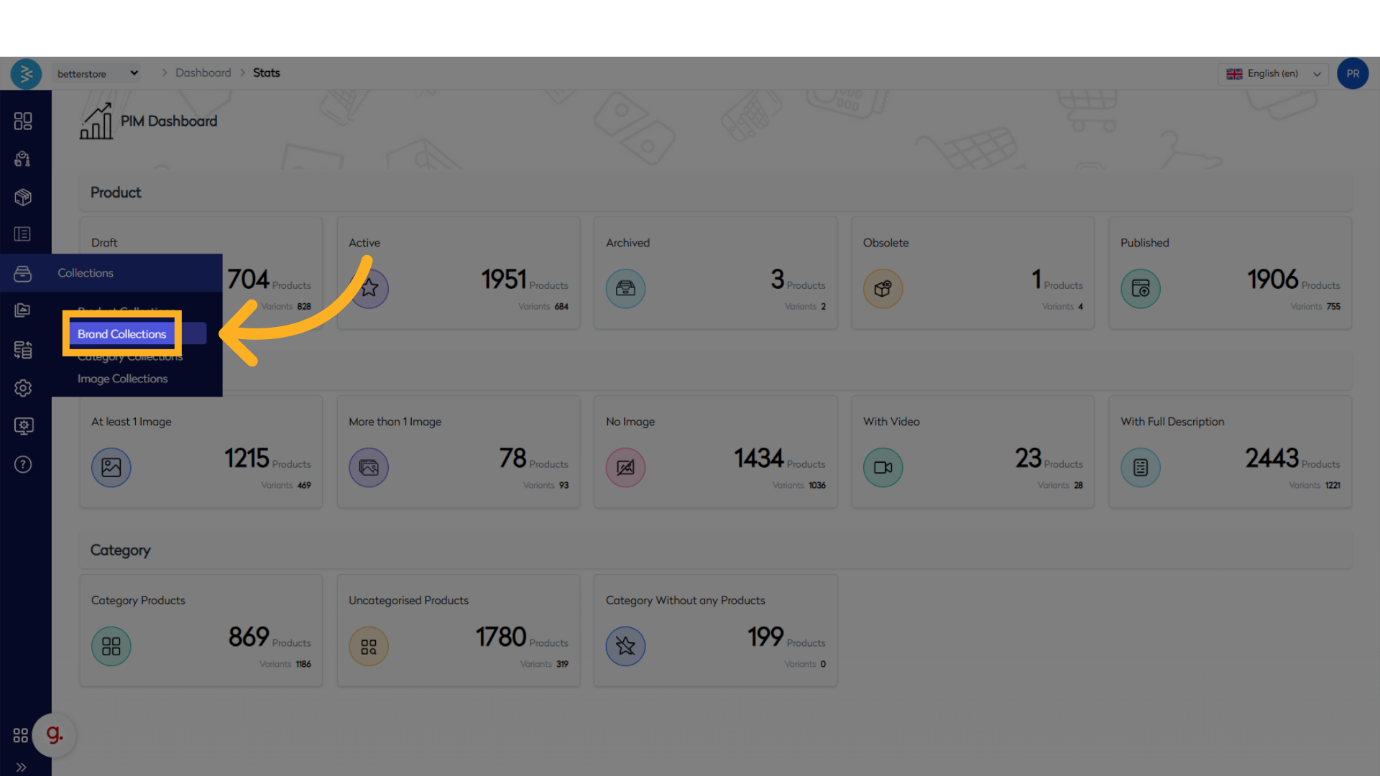
2. This Will Take You to the Brand Collection Listing Page, Here You Can Search for the Collection That You Want to Edit.
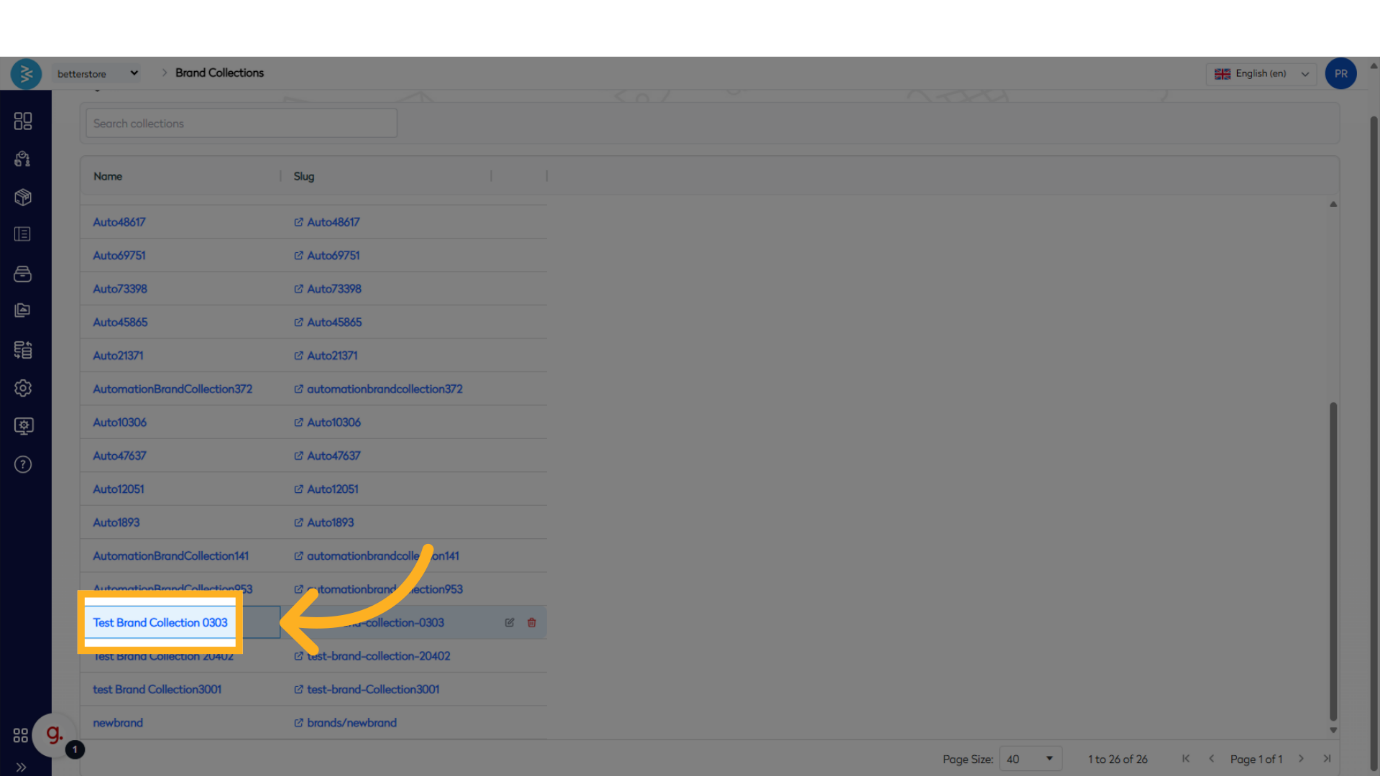
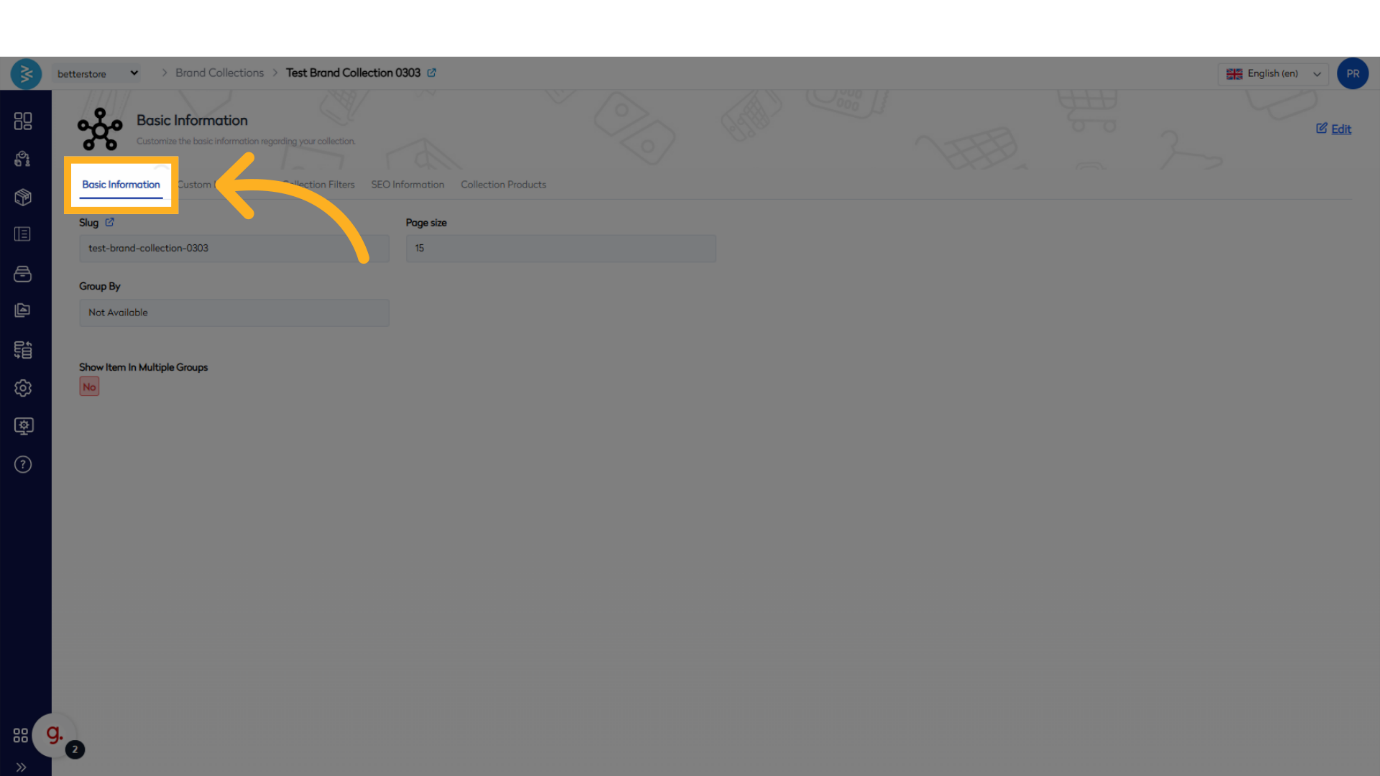
3. Once the Collection Is Open, You Can Navigate Through Different Sections of the Collection to Check the Details and Make Changes if Any Section Needs Editing
Review and edit the following sections as needed:
- Basic Information
- Custom Information
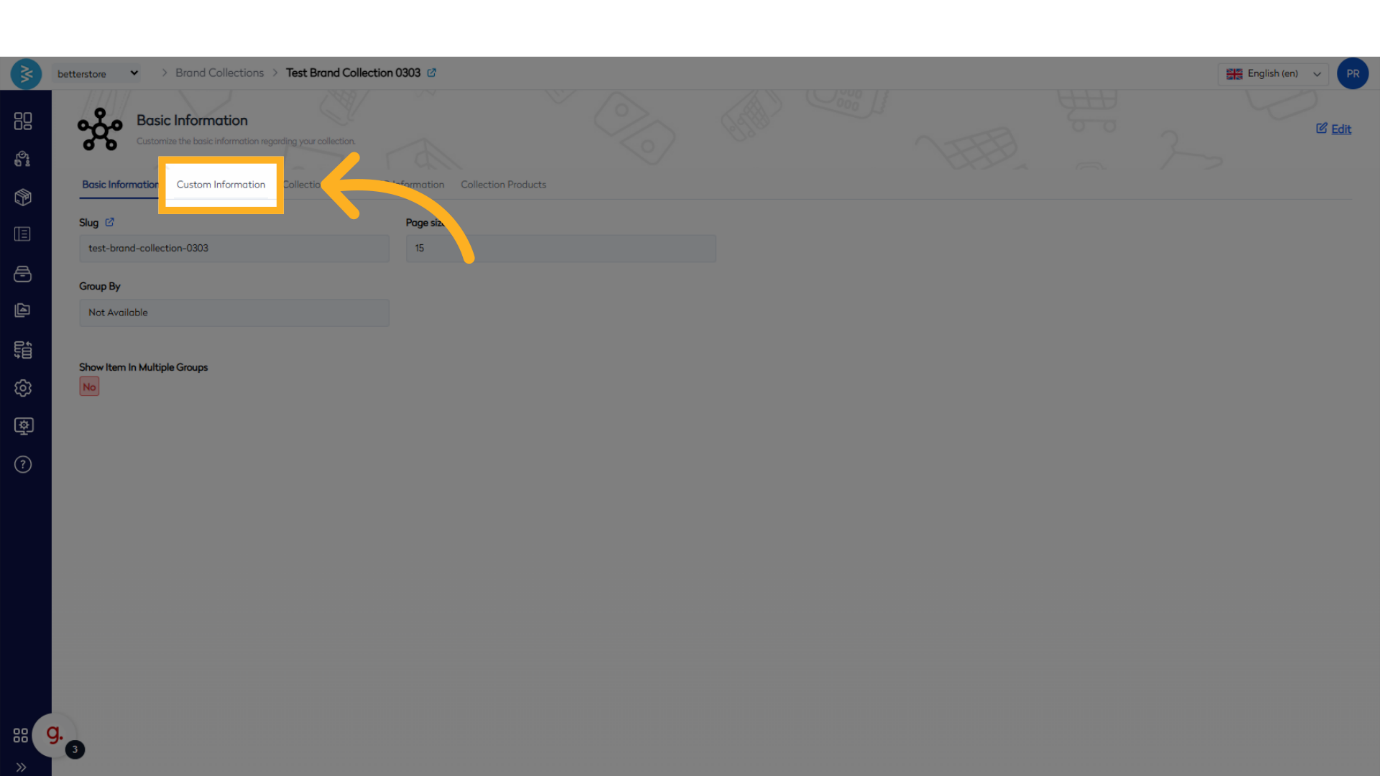
- Collection Filters
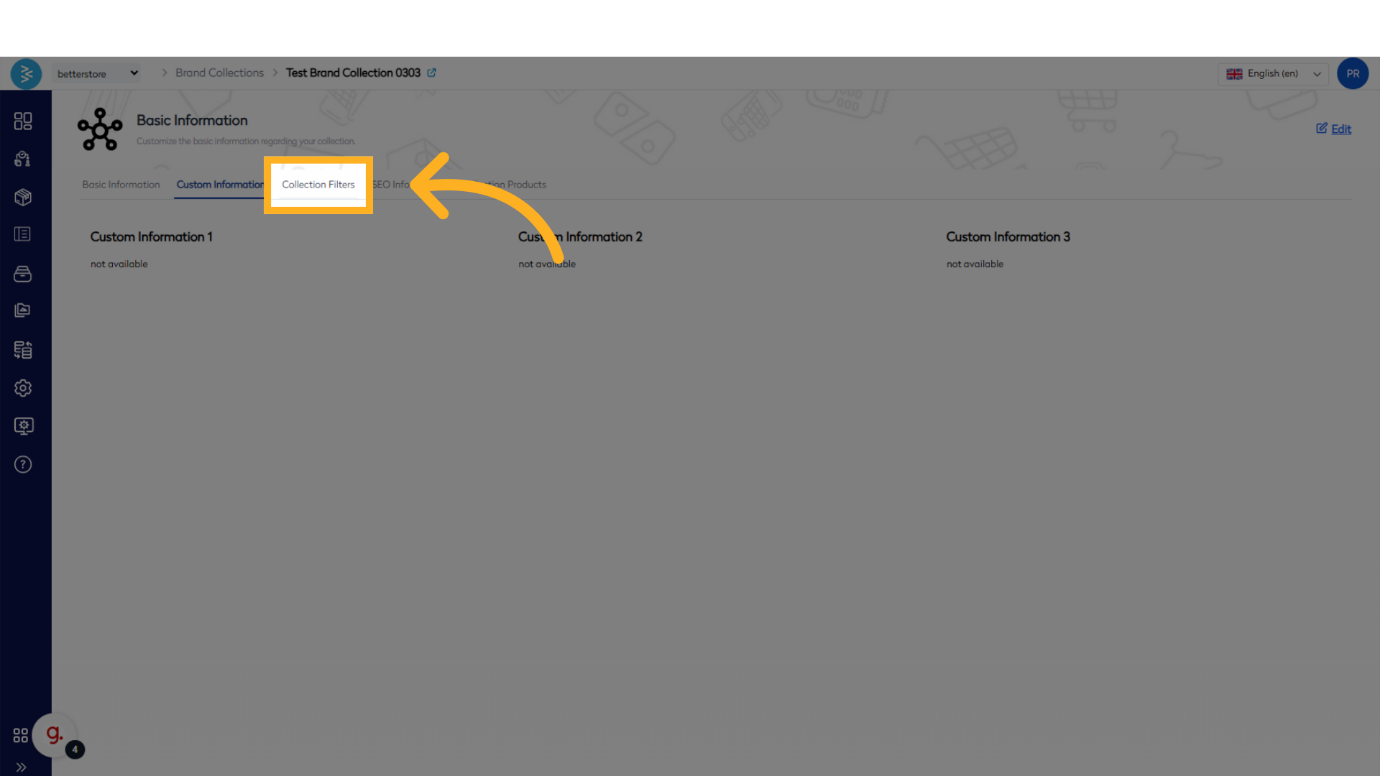
- SEO Information
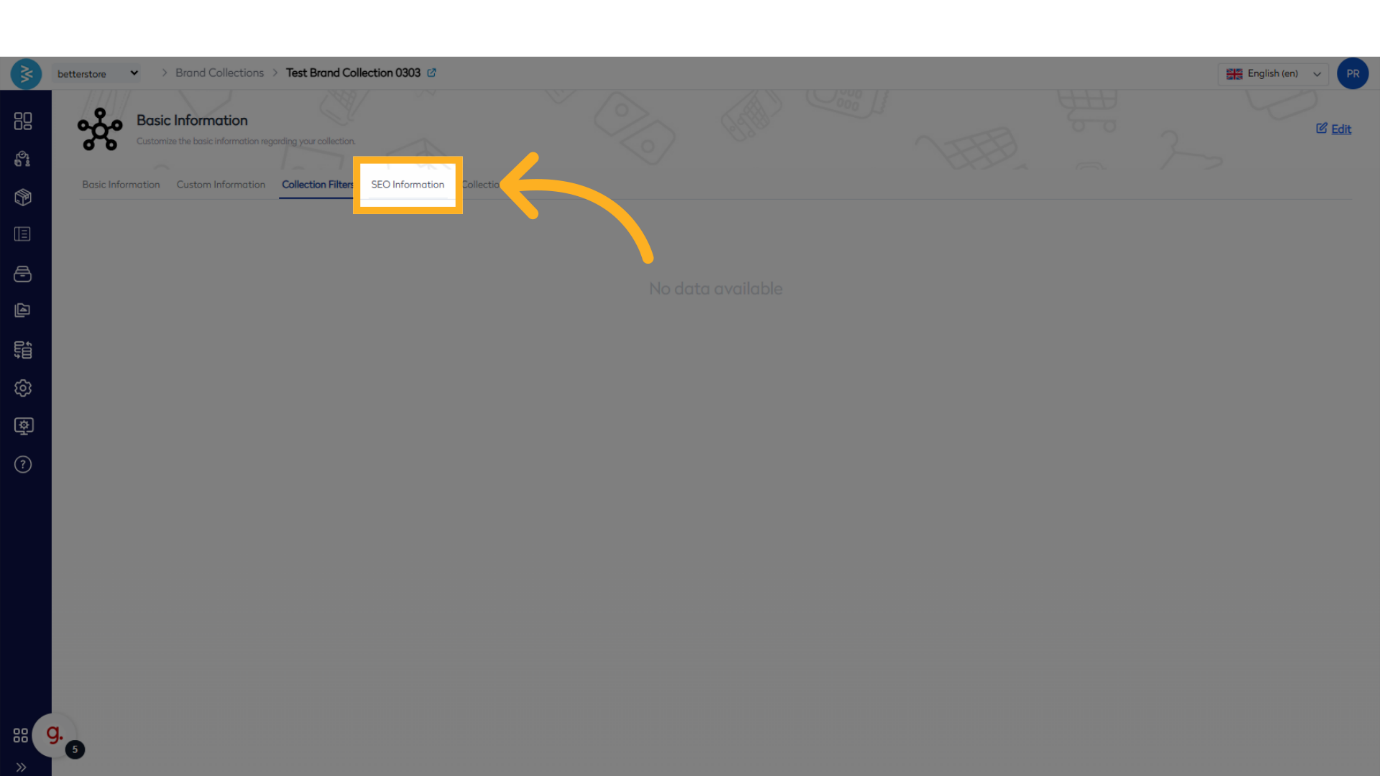
- Collection Products
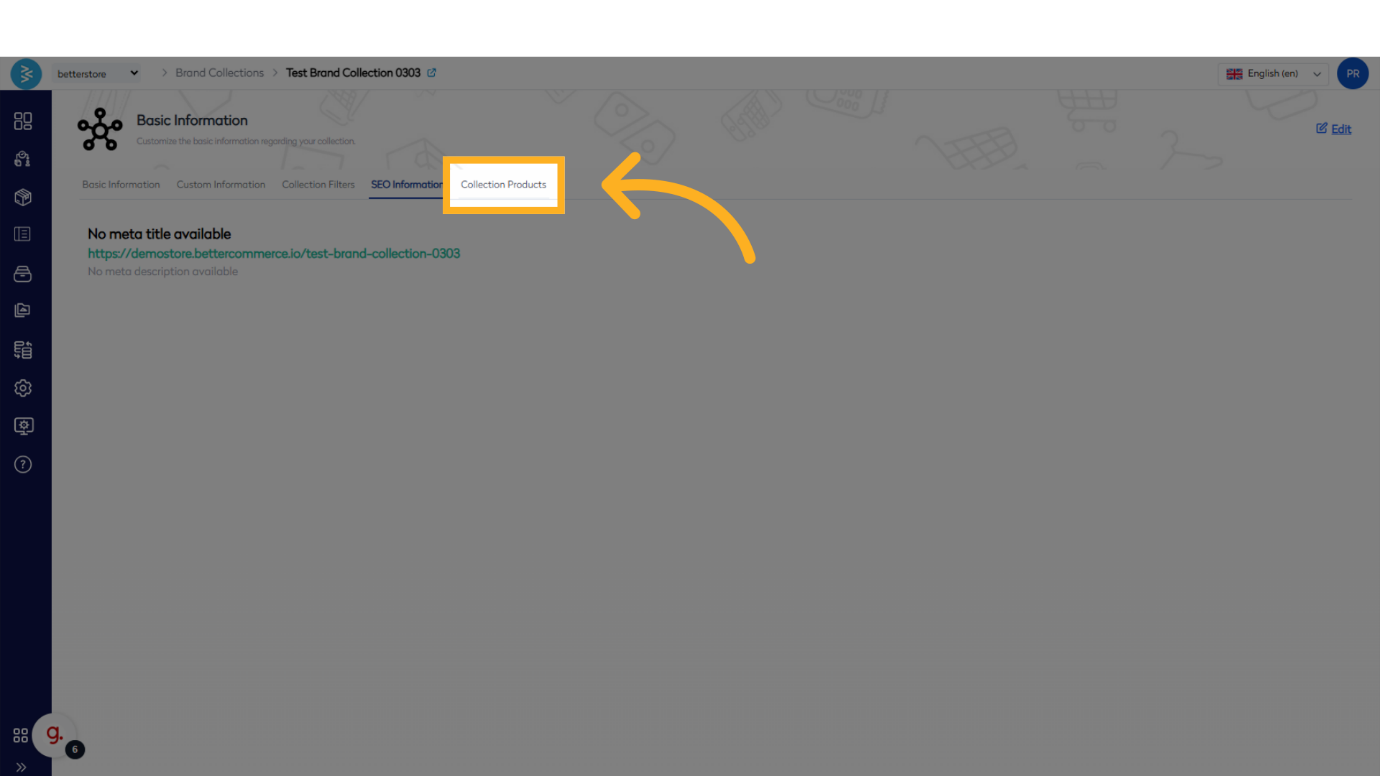
4.Initiate editing by clicking the Edit button, which will enable modifications to the fields in the selected section. Update the details as required.
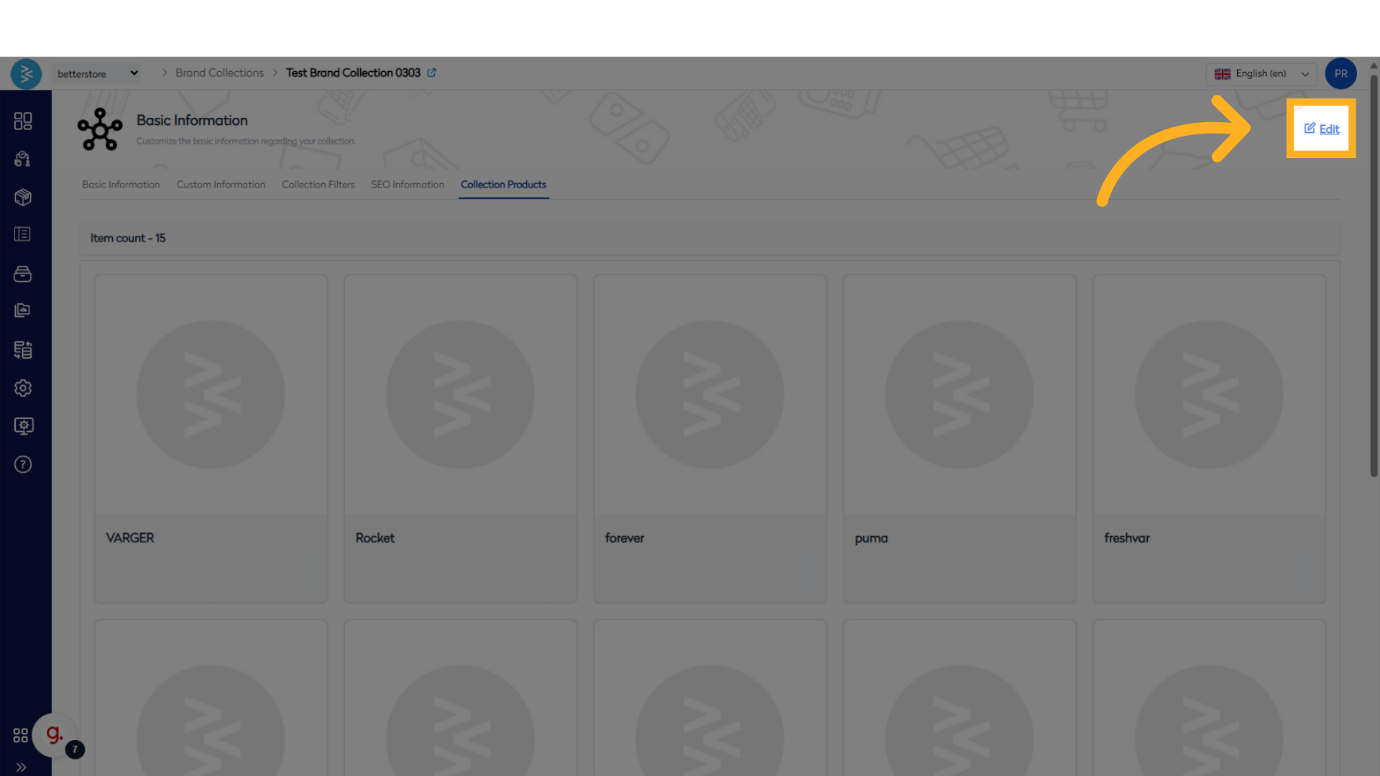
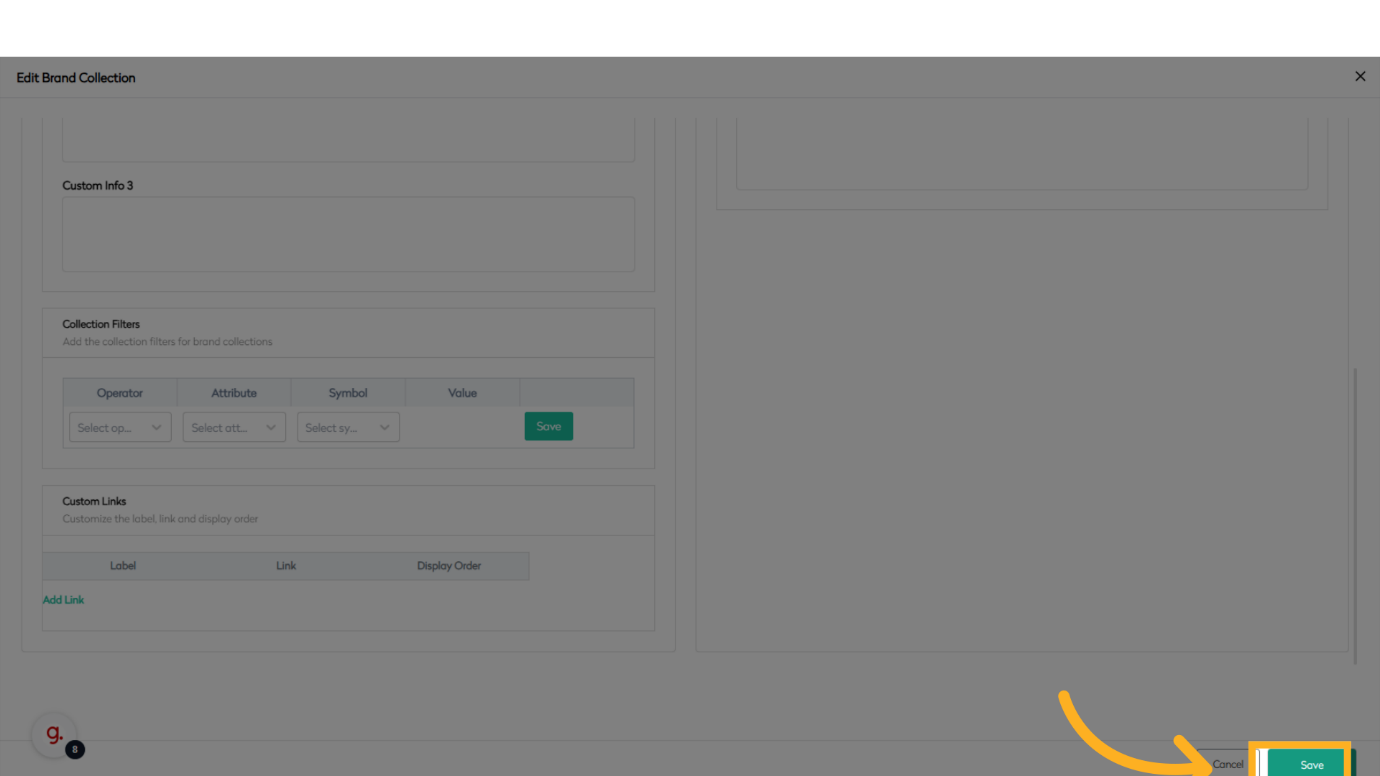
5. Once All the Changes Are Made, Click Save to Record the Changes
After completing the necessary updates, click Save to store the modifications and ensure the brand collection reflects the revised details.
Summary
This guide detailed the process of editing a brand collection in BetterCommerce, covering navigation to the collection menu, accessing and reviewing sections, making modifications, and saving changes. By following these steps, you can efficiently manage and customize brand collections to meet your business requirements.