
Add Category Guide
This guide provides detailed instructions for adding and managing categories in BetterCommerce, enabling efficient organization of product catalogs. Follow the steps below to create categories, assign names and codes, select parent categories, and verify category relationships.
Step-by-Step Instructions
Step 1: Access the Category Section
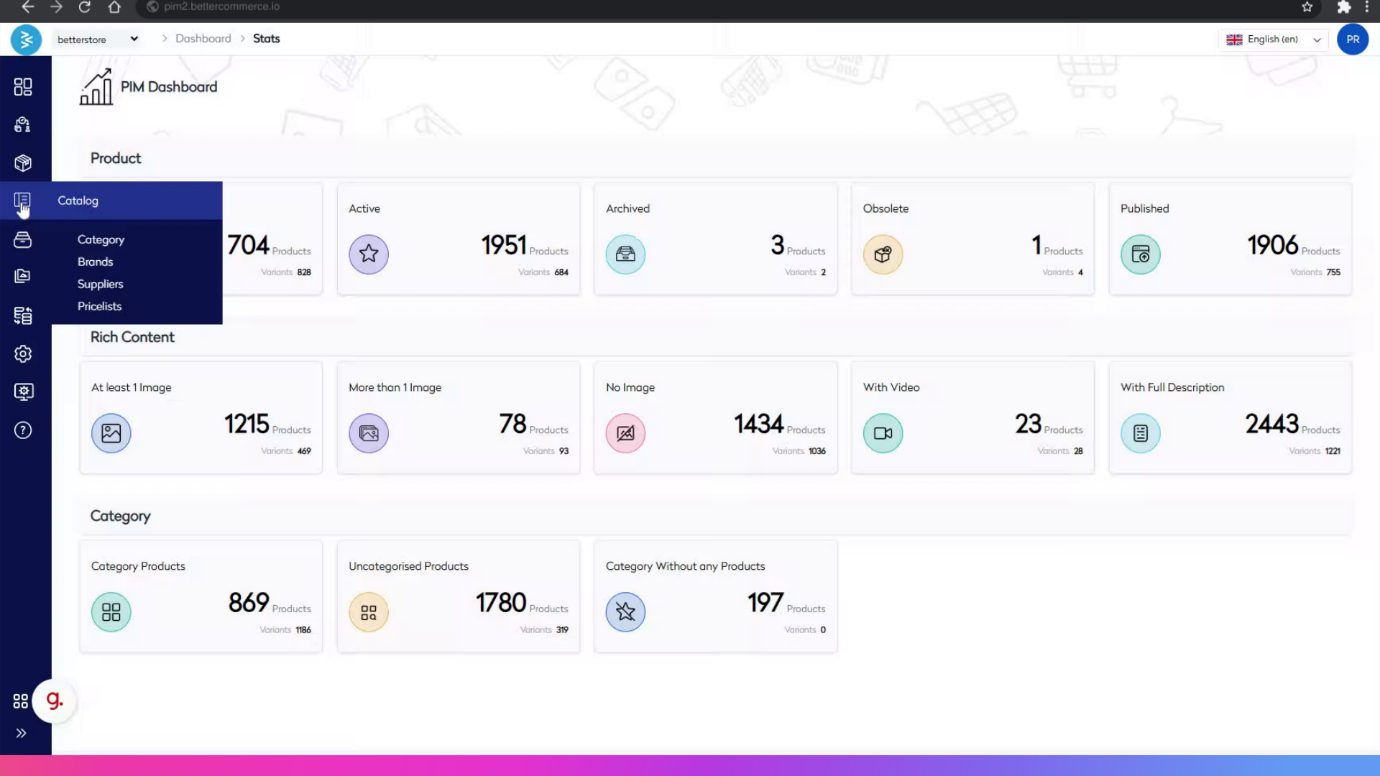
Navigate to the BetterCommerce PIM platform by visiting pim2.bettercommerce.io and click the Category menu option to access the category management area.

Step 2: Initiate Adding a New Category
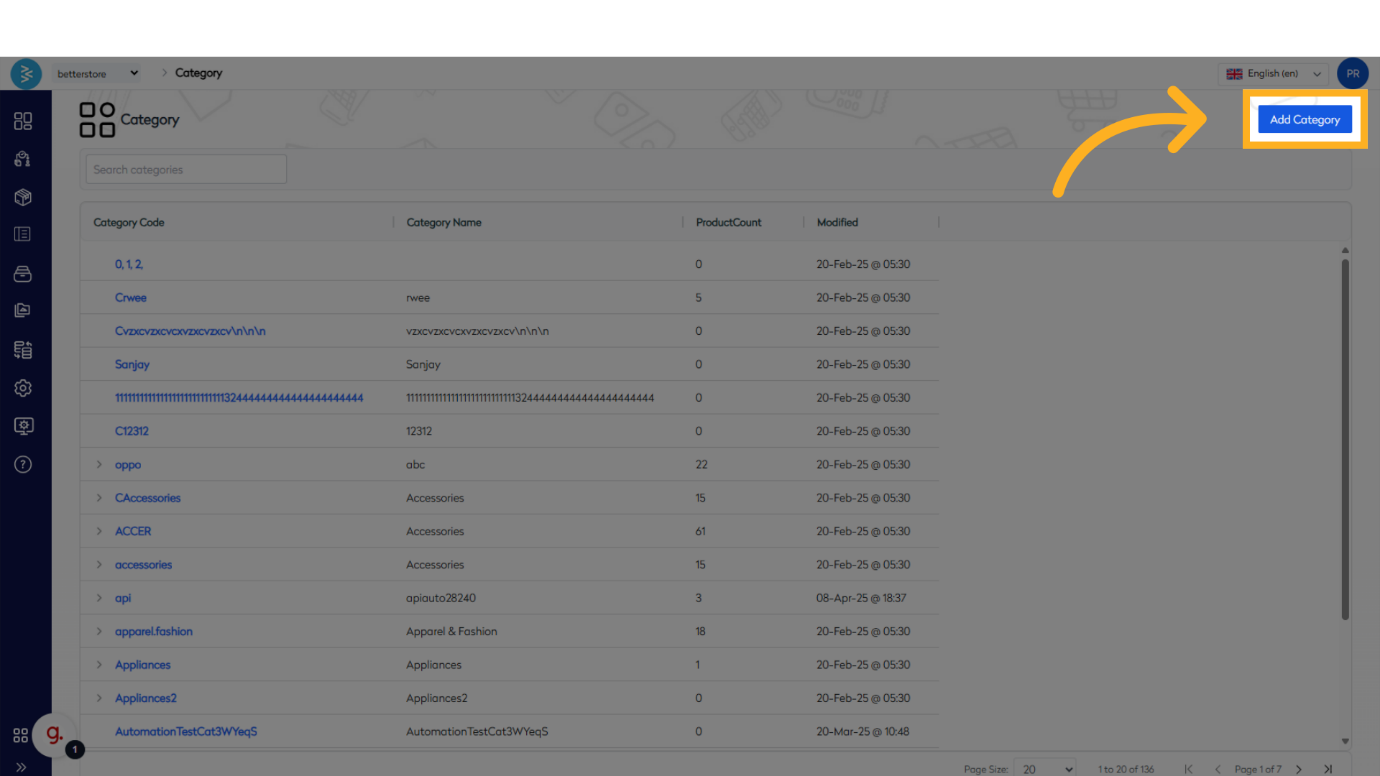
Click the Add Category button to start the process of creating a new category.
Step 3: Provide Category Name and Code
Click on the Name input field to enter the category name, then provide a Category Code in the respective field. The name and code can be the same. Click Save to store the changes.
Note: Ensure the category name and code align with your organizational standards. Category name and code can be same as well.


Step 4: Assign Category or Create Subcategory
Assign the category to relevant products as needed. If creating a subcategory, repeat the above steps and proceed to select a parent category in the next step.

Step 5: Select Parent Category for Subcategory
While creating a subcategory, start typing the parent category name in the text area. Select the appropriate category from the search results to establish the parent-child relationship.


Step 6: Save and Verify Category Hierarchy
Click the Save button after selecting the correct parent category.
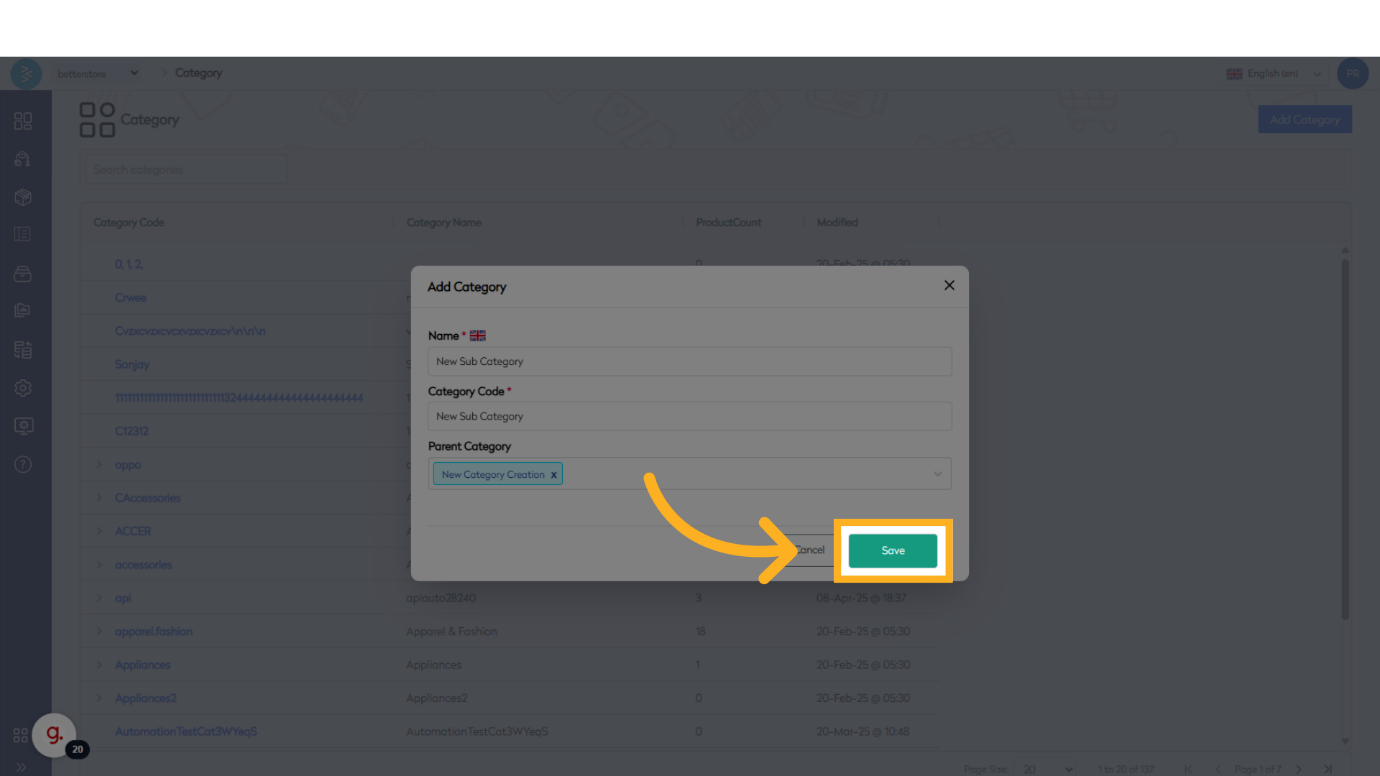
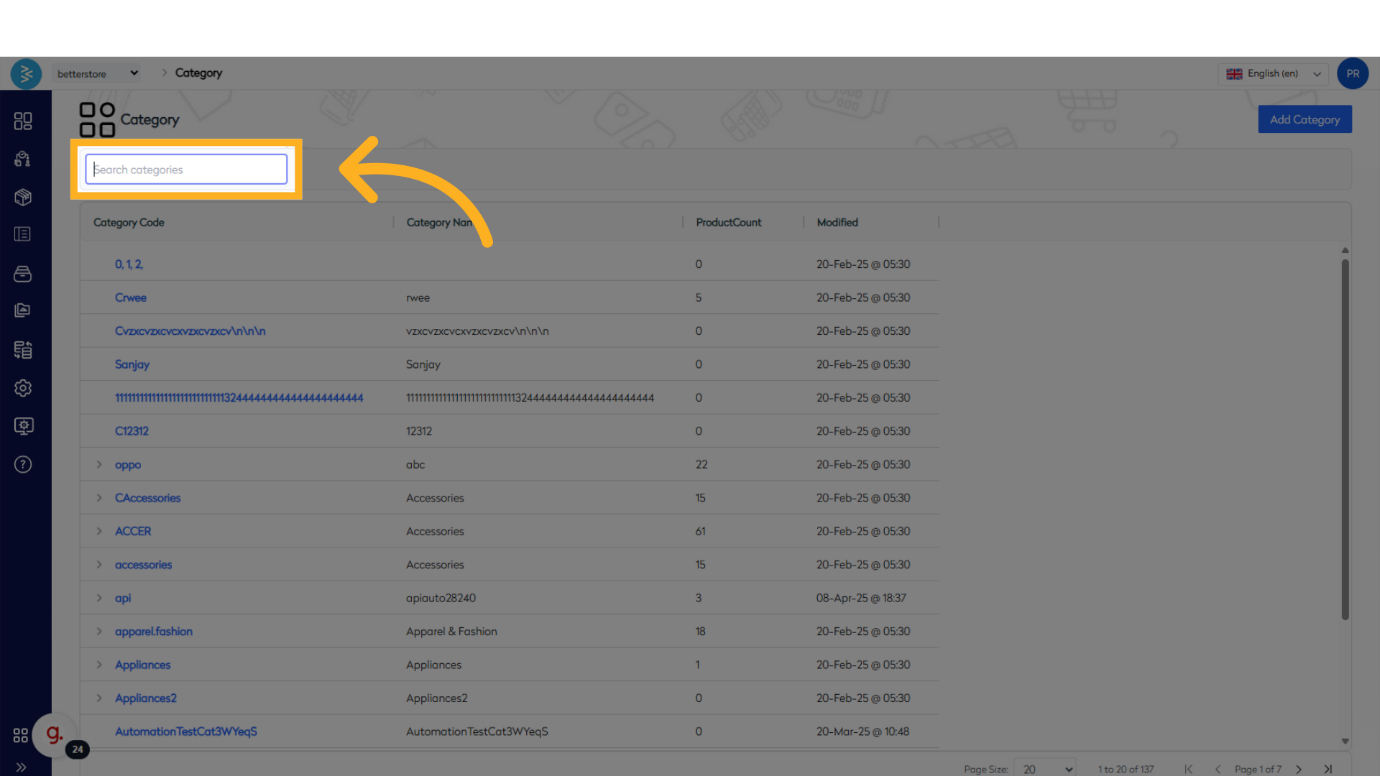
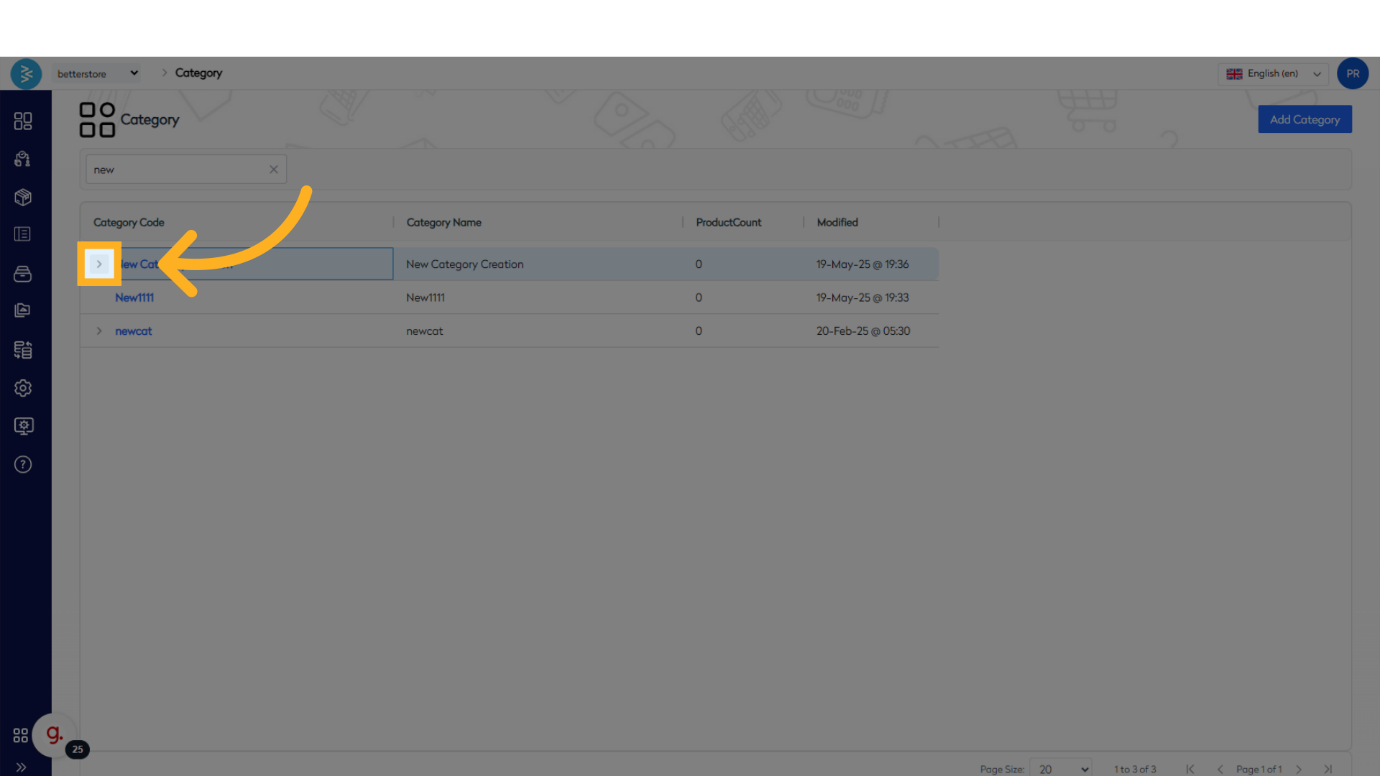
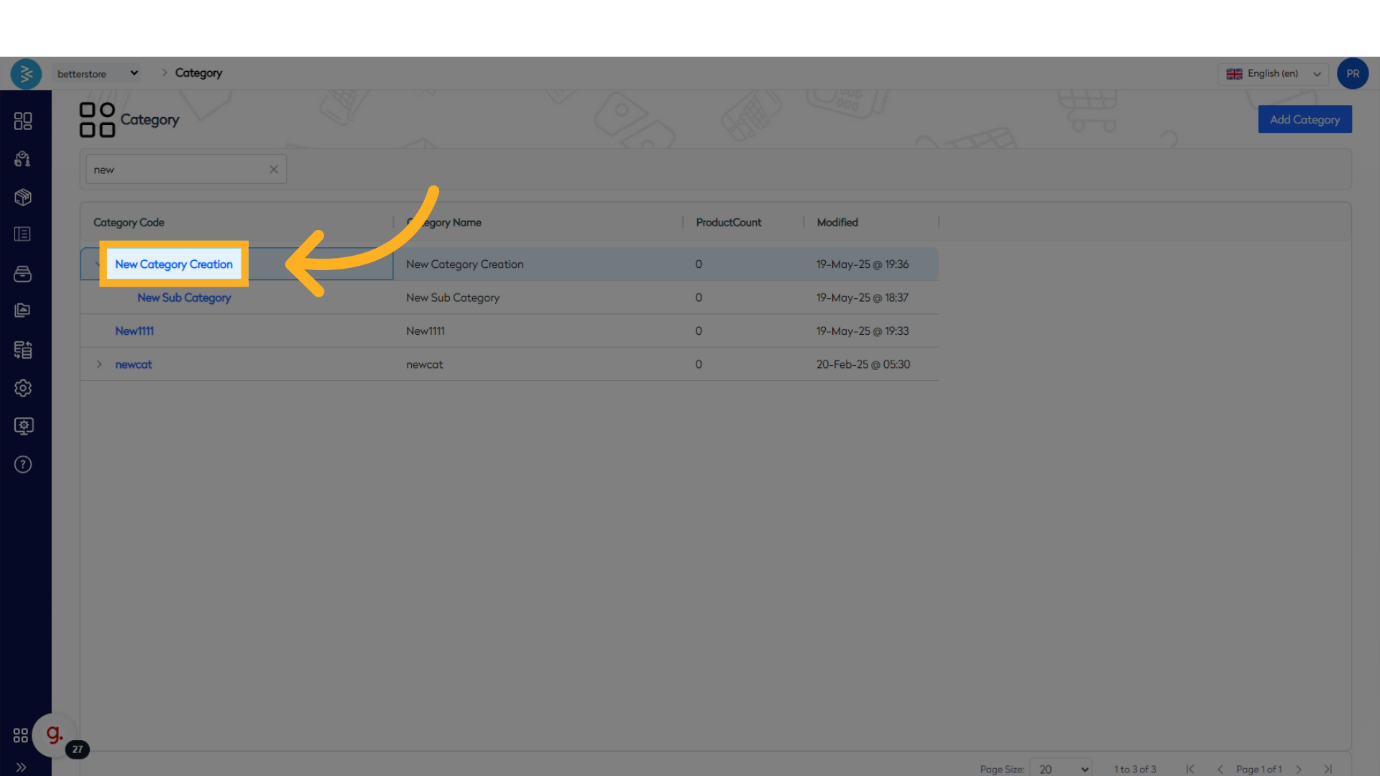
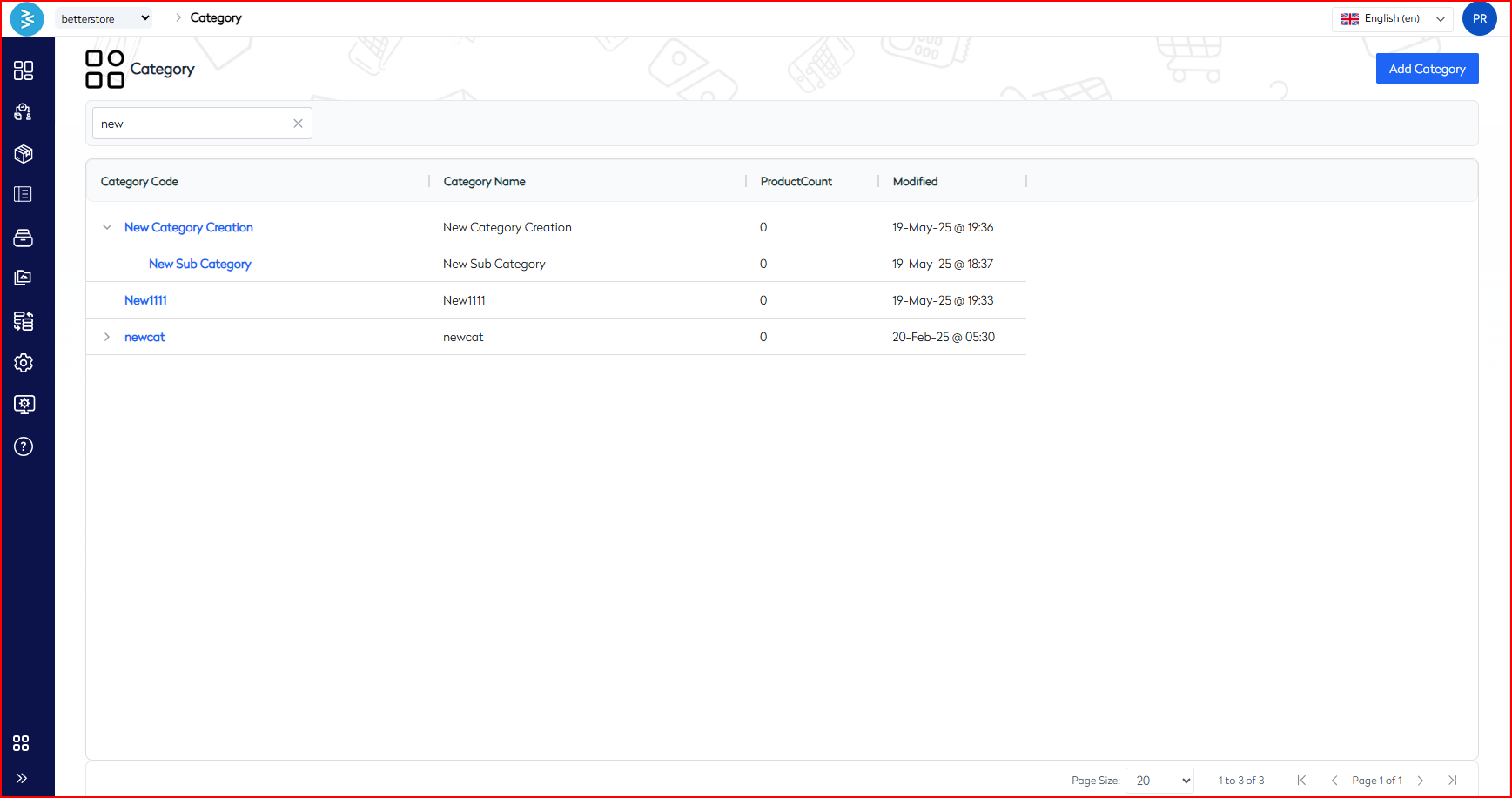
On the category list page, verify that the parent-child relationship is displayed correctly (e.g., Parent >> Child).
Summary
This guide outlined the process of adding and managing categories in BetterCommerce, covering the creation of new categories, inputting names and codes, selecting parent categories for subcategories, and verifying category hierarchies. By following these steps, you can effectively organize your product catalog.