
Create Product Collection
Learn how to efficiently manage product collections in BetterCommerce with this guide. From creating new collections to setting launch dates, categories, and product details, follow the engaging instructions below to streamline your collection management process.
1. Navigate to the Collections Menu and Select Product Collection
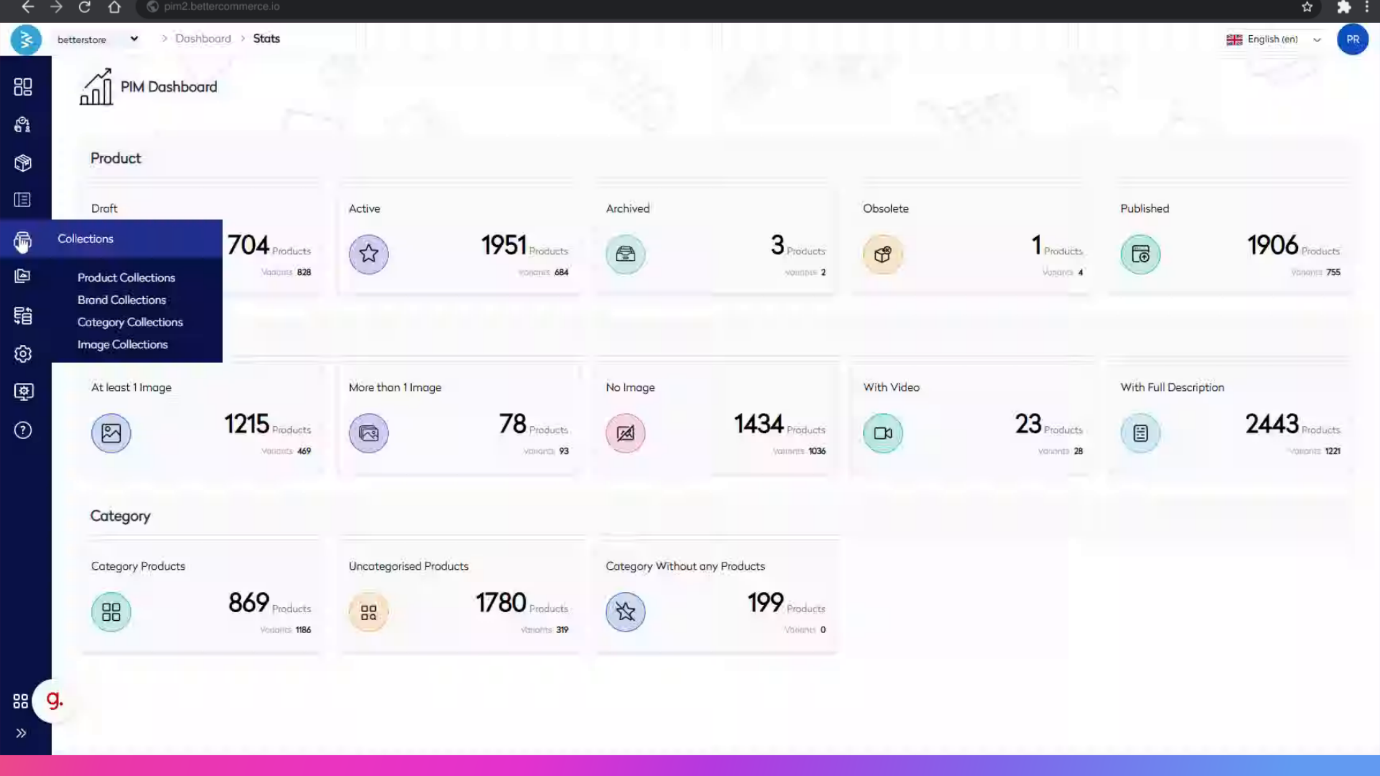
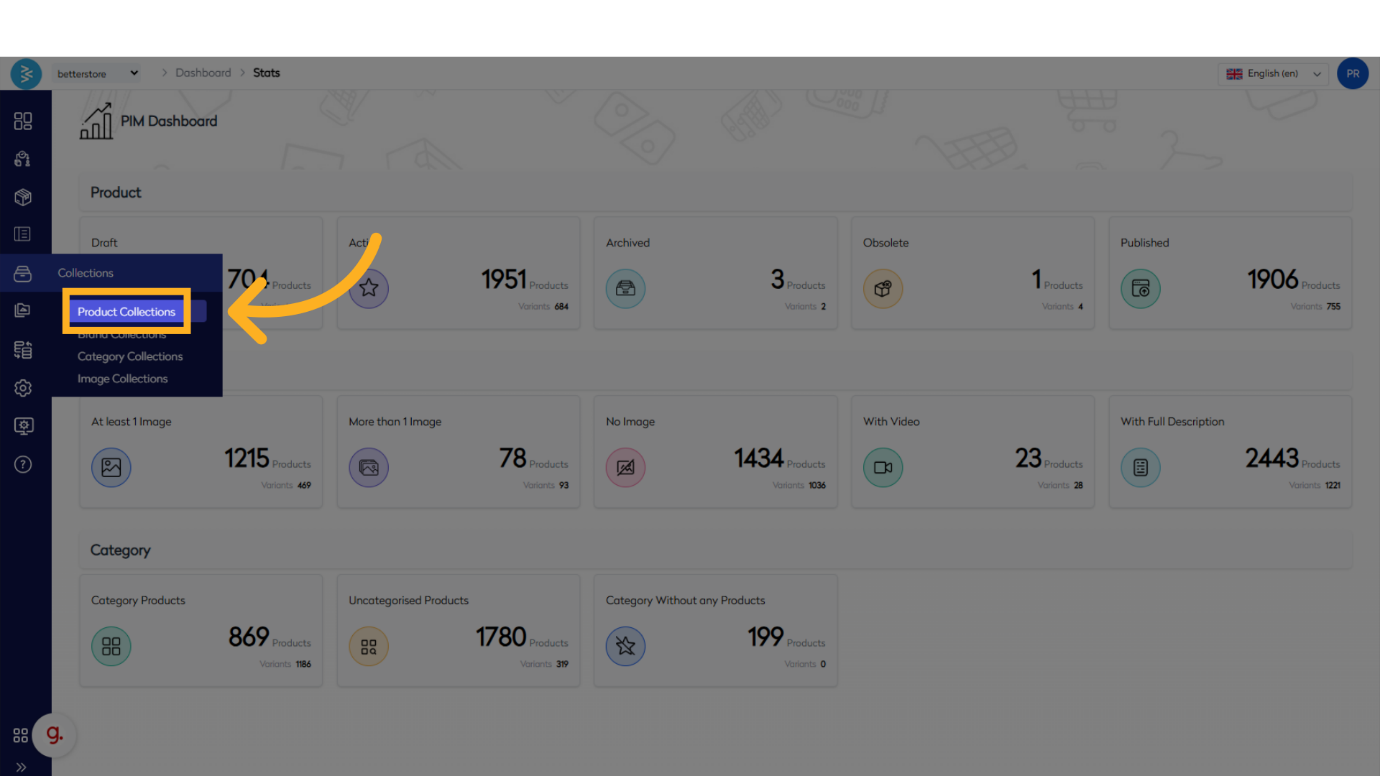
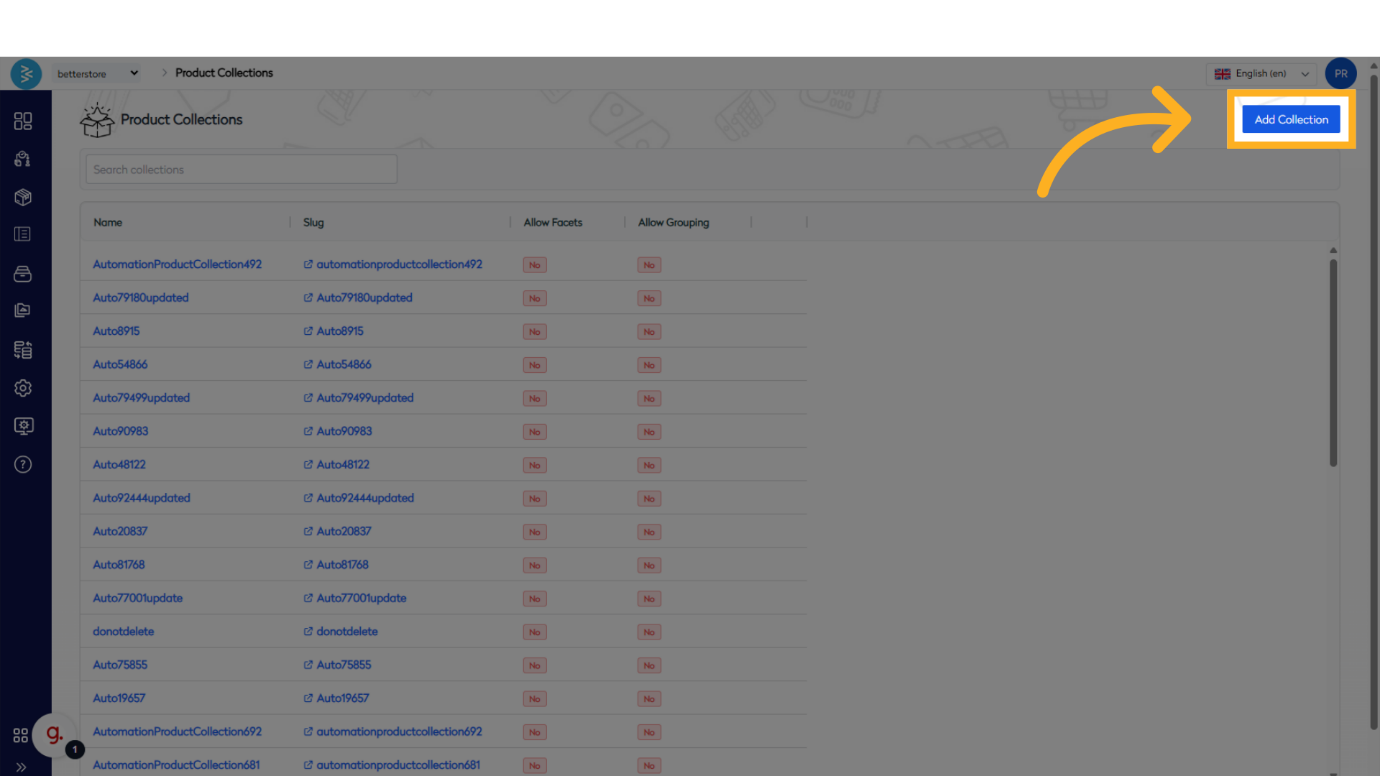
2. Once you are on the Product Collection Listing page, click the 'ADD COLLECTION' button located in the top right menu.
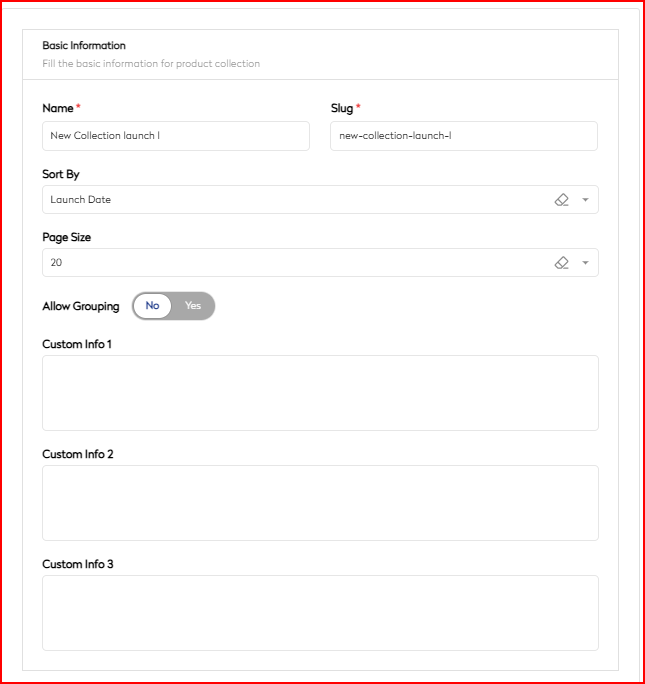
3. This will open the Product Collection Form, which is organized into multiple sections based on the nature of the content.
- Basic Information – In this section you will be providing basic details of your collection which are:
a) Name - Name of the collection
b) Slug - This is auto-generated and editable where spaces are replaced by “-“ (hyphens).
c) Sort by - This is the default sort order of the products in the product collection
d) Page Size - This is the number of products users want to display on a single page of the product collection
e) Custom Info up to 3 - These fields can be used for any additional information that you want to show in your collection from a detailed description to redirecting users to blog pages.
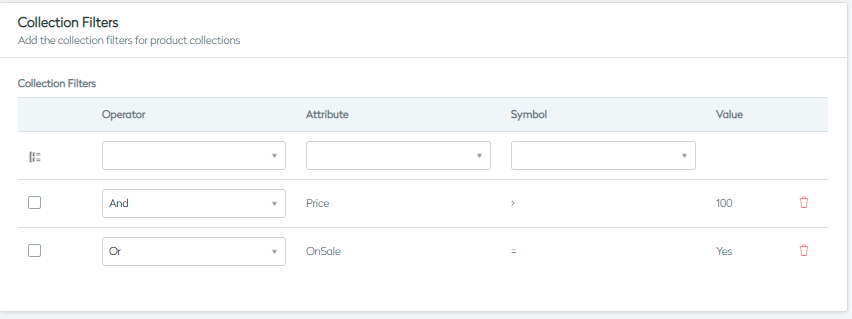
- Collection Filters – Allow you to define the conditions/filters based on which the products are included in the product collection
Here you can define the filter based on:
· Brand, category, price, bestseller, trending, new launch, on sale, promotion group, rating, stock code, tags
· Any custom attributes you may have defined specifically for your business, e.g., color, detail, edit
Scenario 1: You need to build a product collection which returns black tops and blue jeans only.
| Group | Operator | Attribute | Symbol | Value |
|---|---|---|---|---|
| No | AND | Color | = | Black |
| Yes | AND | Category | = | Tops |
| No | OR | Category | = | Jeans |
| Yes | AND | Color | = | Blue |
Scenario 2: You need to build a product collection which returns green and blue dresses for which the price > 100. The collection filters will be defined as follows:
| Group | Operator | Attribute | Symbol | Value |
|---|---|---|---|---|
| No | AND | Category | = | Dresses |
| No | AND | Price | > | 100 |
| No | AND | Color | = | Black |
| Yes | OR | Color | = | Green |
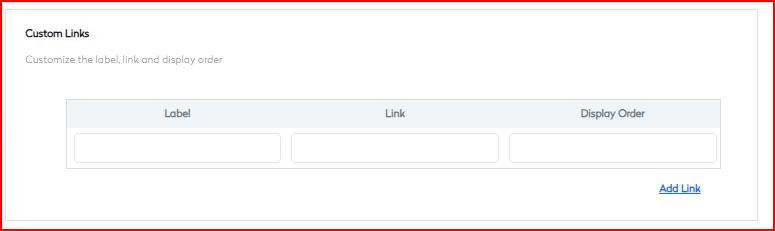
- Custom Links - In this section you can provide multiple custom links and set the label as per your business need and accordingly set their respective display order as well.
- Configuration – In this section, you can configure the search facets that should appear in the product collection, allowing customers to filter products based on various criteria. Additionally, you have the option to display any free products within the collection.
Note – Please note that, by default, products with a price set to zero do not appear in the product collection. This ensures that only priced items are visible to customers, maintaining the integrity of the collection."

-
Localise – This section helps you to complete the basic SEO localization information for the product collection by filling in the Meta Title, Meta Description, Meta Keywords, and Canonical URL fields. This ensures optimal search engine visibility and prevents duplicate content issues, enhancing the overall SEO performance of your e-commerce site.
a) Meta Title: This field is for entering the title of the product collection, which appears in search engine results.
b) Meta Description: This field is for a brief description of the product collection, which also appears in search engine results.
c) Meta Keywords: This field is for entering keywords relevant to the product collection to help improve search engine optimization (SEO).
d) Canonical: This field is for specifying the canonical URL to prevent duplicate content issues.

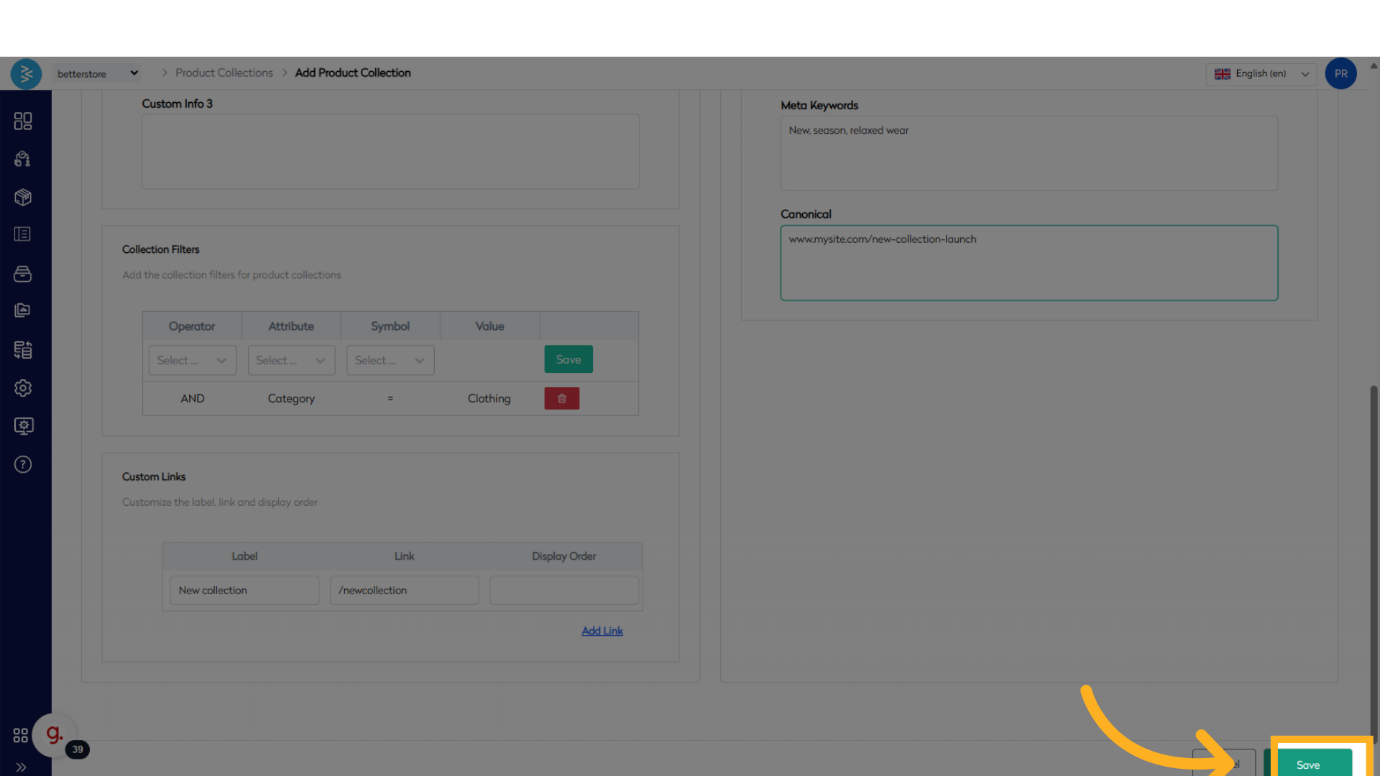
- Once all fields are fill hit save to record the form.
Summary
This guide provides a comprehensive overview of managing product collections in BetterCommerce. It covers everything from accessing and creating collections to setting launch dates, defining categories, and detailing product information. With these tools, you can efficiently organize and showcase your products, ensuring a streamlined and effective e-commerce experience.